
On the Line · 7 films · 10 min
Acceptable Use
Seven films that turn the Acceptable Use Policy into plain, everyday right things to do: what it covers, asking before you plug in or install, working in public, writing emails, BCC, being online at work, and personal use.
 AU11:02
What's Acceptable?
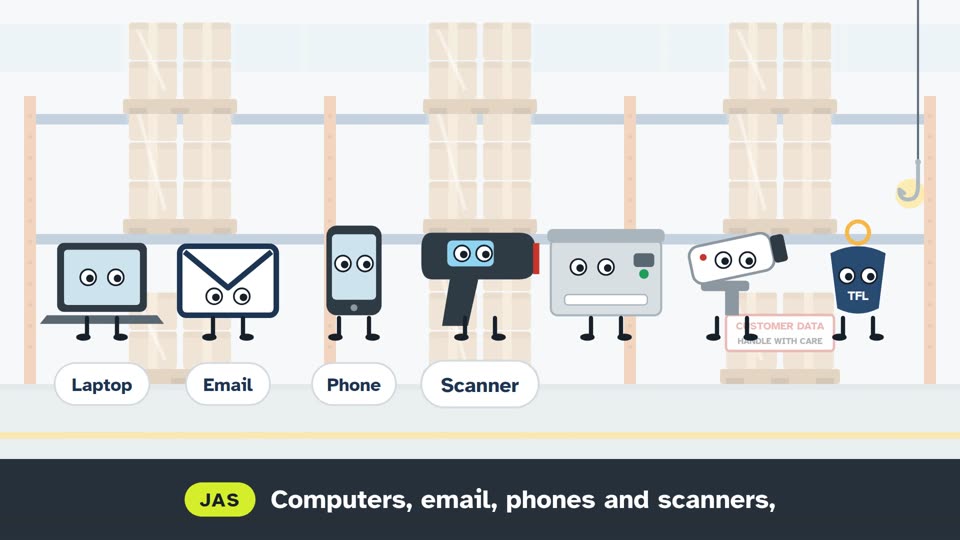
Jas introduces the Acceptable Use Policy: it covers all of our kit, from laptops to door fobs, and everyone who works here, from agency staff to directors. Bev explains that questions go to your manager and misuse gets reported to a director or IT.
 AU21:33
Ask Before You Plug or Install
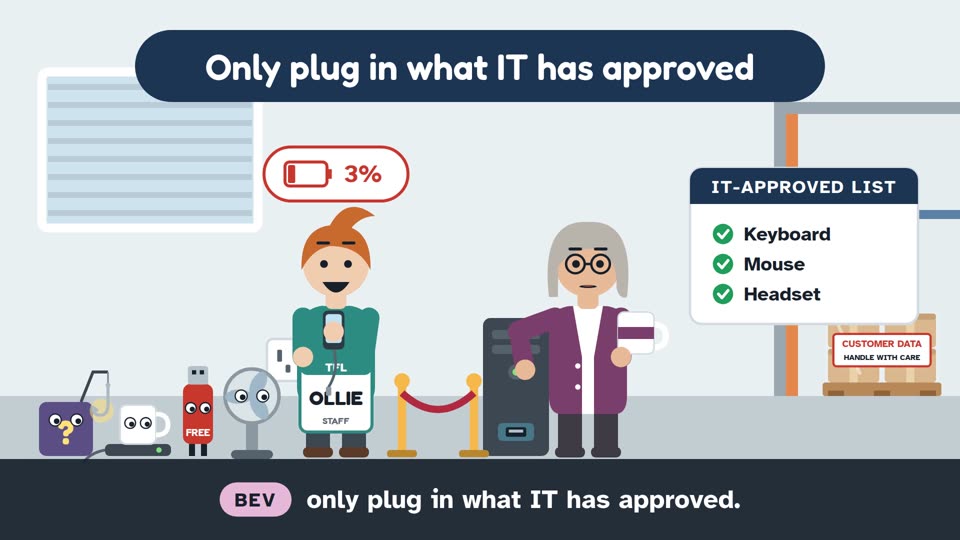
A free dancing-cat screensaver turns out to be the Phisherman in disguise, Bev runs a strict guest list at the computer's USB port, a dodgy invoice.pdf.exe attachment gets reported, and Ollie asks IT before changing his desk.
 AU31:34
Out and About
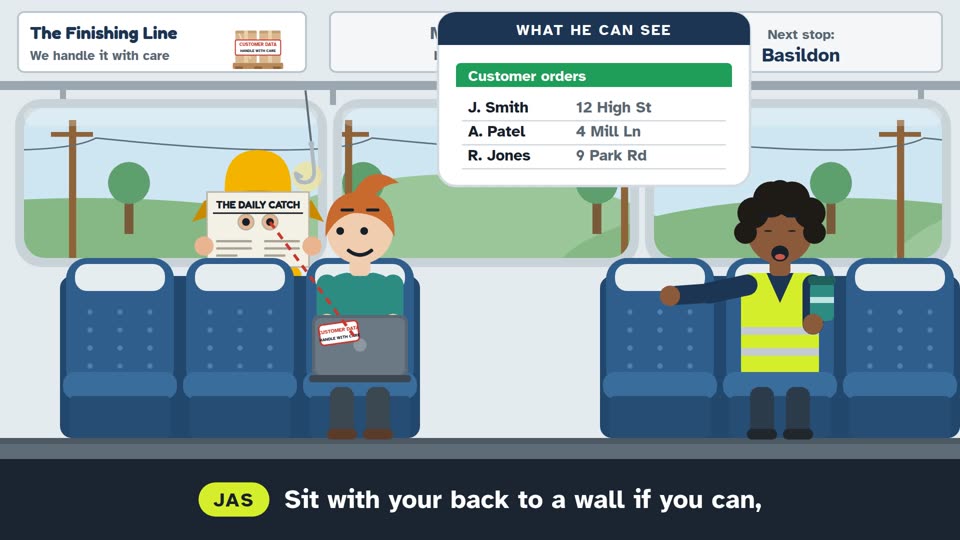
On a train, the Phisherman reads Ollie's laptop over his shoulder until Ollie tilts the screen away and waits to log in. In a café Bev stops herself discussing a client contract where everyone can hear, Ollie picks his phone's hotspot over free public wi-fi, then takes his locked laptop with him and reports someone filming people's screens to IT, who thank him.
 AU41:42
Write It Like a Letter
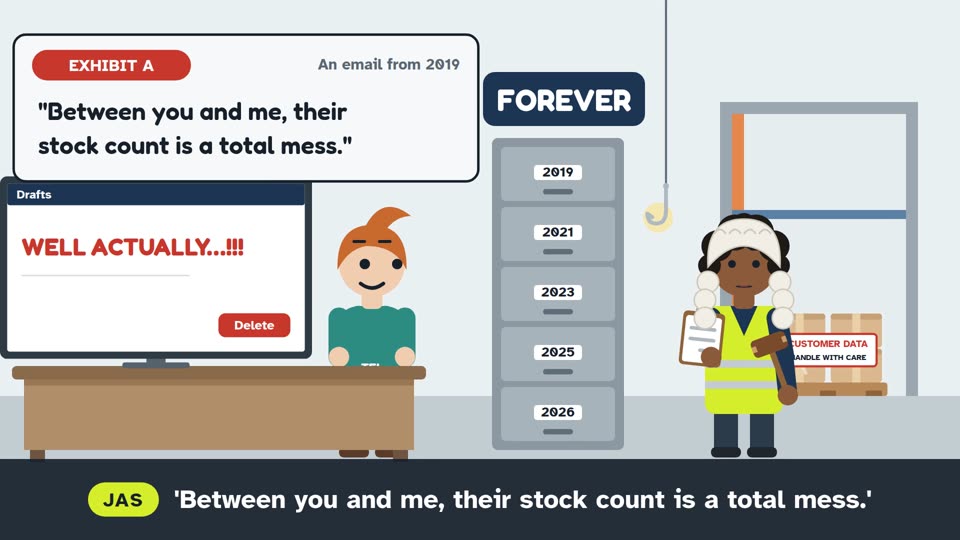
Ollie nearly fires off a cross reply to a grumpy customer, but Bev suggests a phone call instead. Jas shows that deleted emails can be recovered and read out in court, sweeps away chain mail and reply-all storms, and explains that a typed name is a signature, so Ollie checks with his manager before agreeing to a deal.
 AU51:30
BCC and the Wrong Inbox
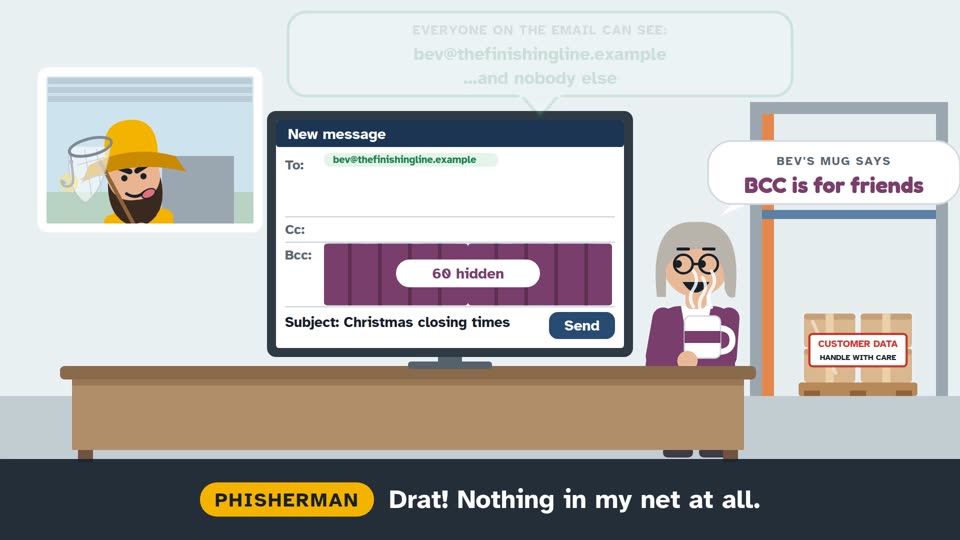
Bev is about to email sixty clients with every address on show, then moves them all into BCC so nobody sees anyone else's address. Jas explains that big external mailings need approval and a check of the addresses. Ollie gets a confidential email meant for someone else, does not open it and tells the sender, then reports a suspicious email to IT and is thanked.
 AU61:34
Online at Work
Jas explains the Big Screen Test: would you be happy if what you are looking at went up on the canteen big screen? Ollie checks with his manager before signing up to a website, and Bev reminds him that personal forums belong on his own phone.
 AU71:34
Personal Use, Monitoring and Where the Line Is
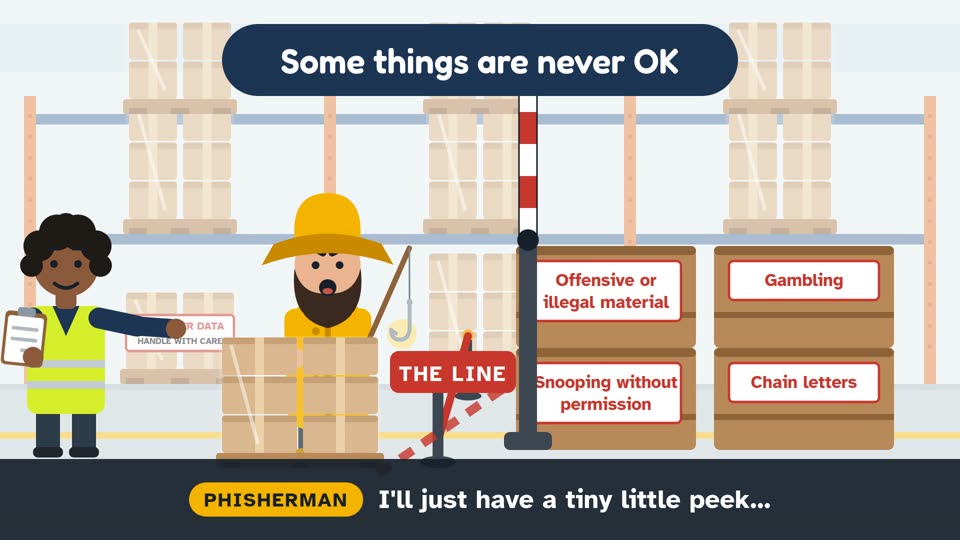
Ollie sends a quick personal email about an urgent problem at home, Bev suggests saving shopping and personal phone time for breaks, Jas explains that our systems can be monitored within the law to protect everyone, and that some things are never OK on work kit. Ollie spots a private HR folder open to everyone, does not look inside, and reports it to IT.